
Google Play Store
Google Play Store is Google's digital distribution platform for Android, used to find, install and update apps, games and books.
101.1 MB

2.6.21 · PlayMods · Page updated
PlayMods is an unofficial Android store that distributes modified versions of apps and games made by third parties, not by the original developers.
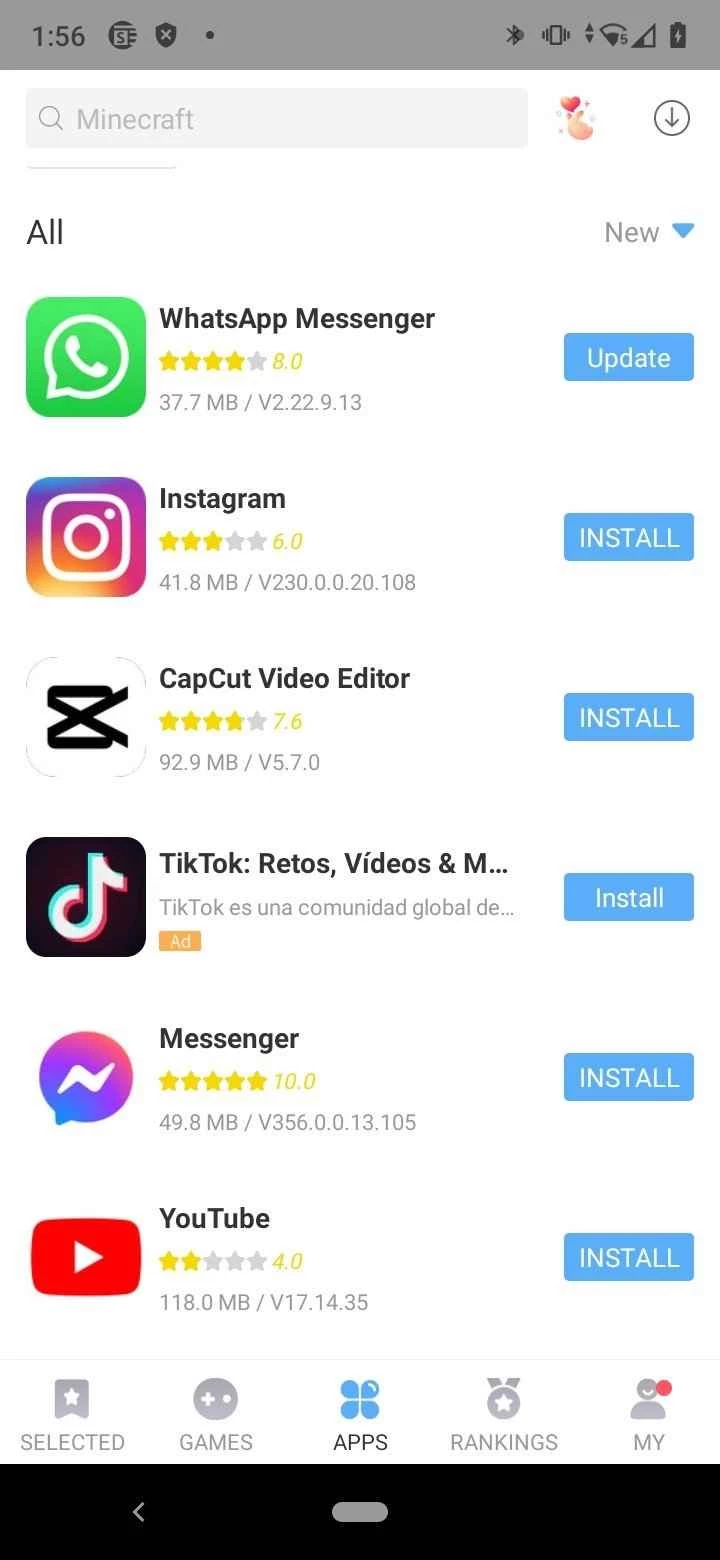
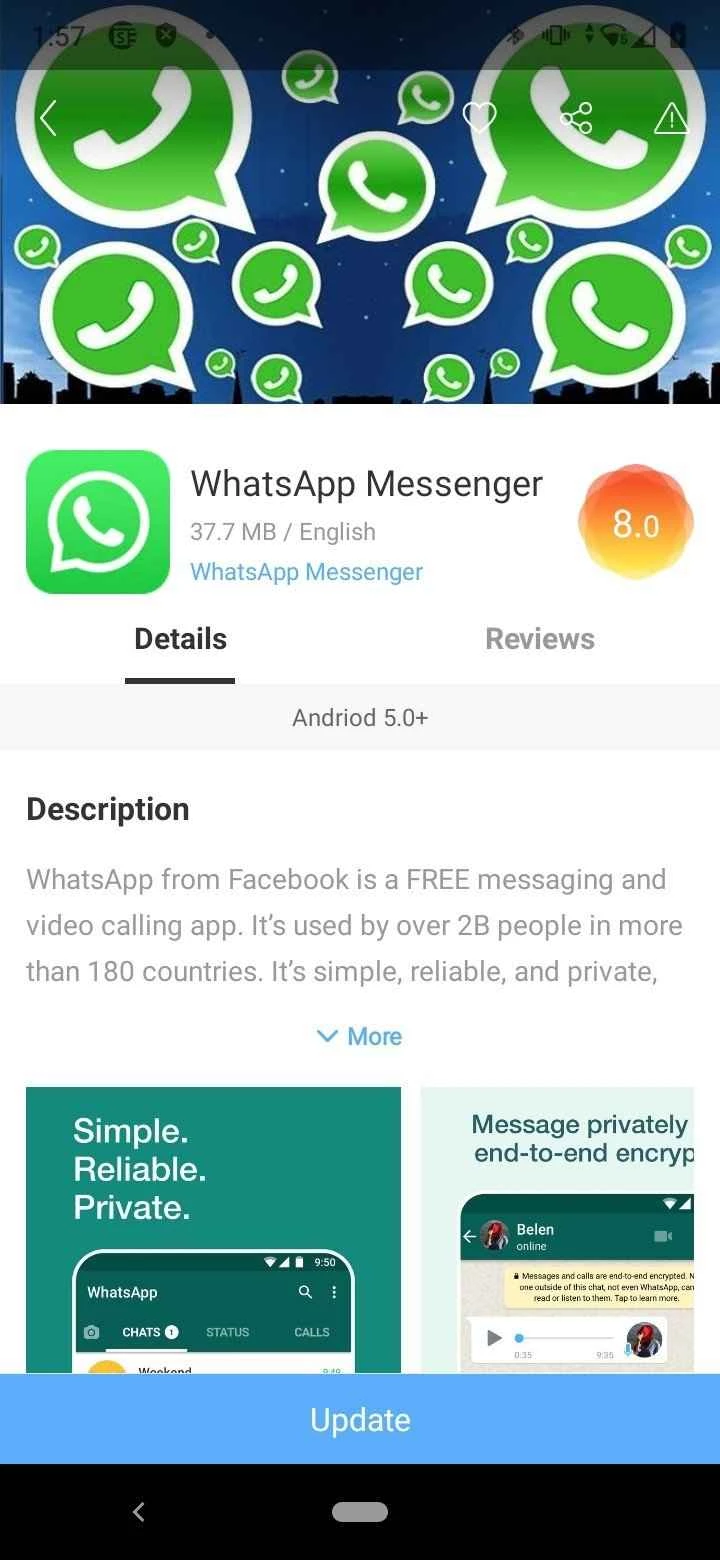
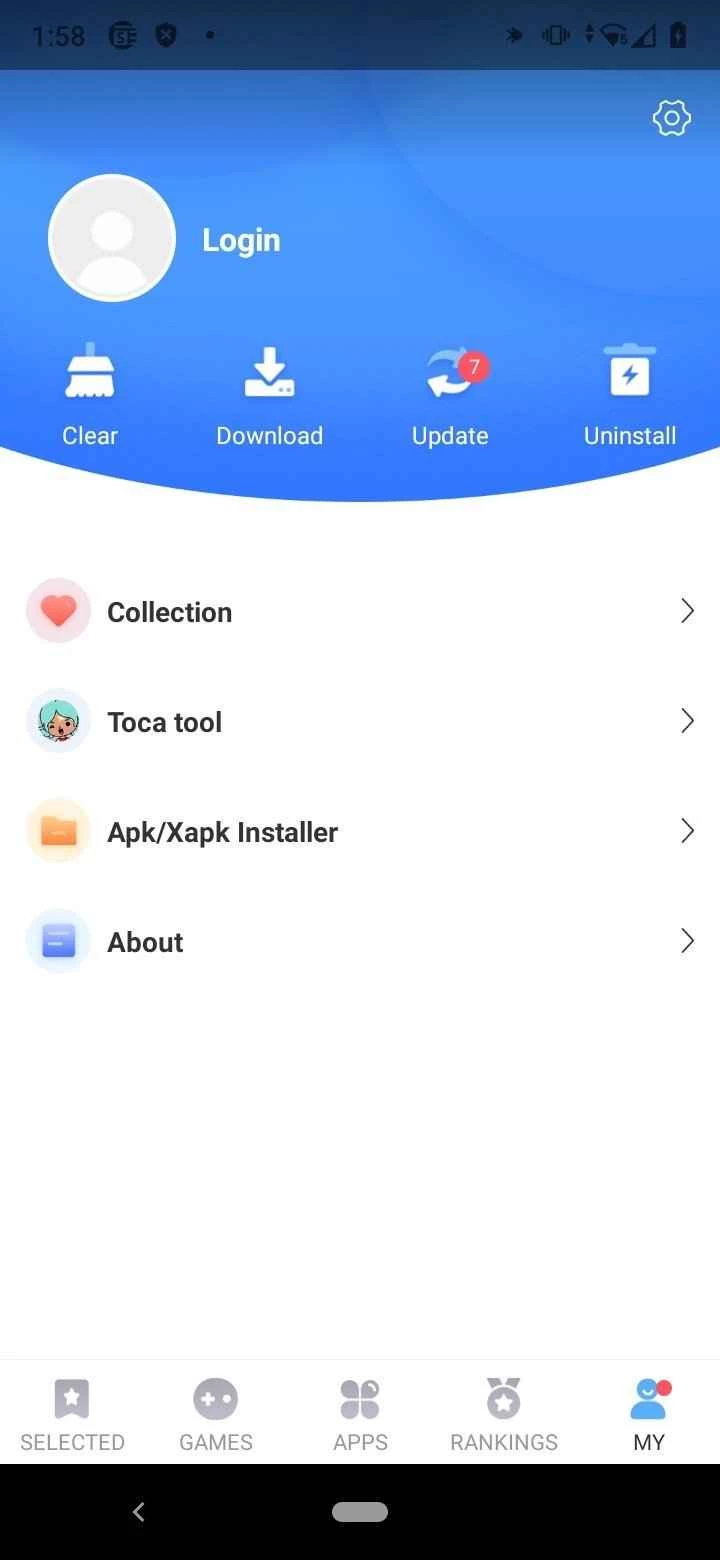
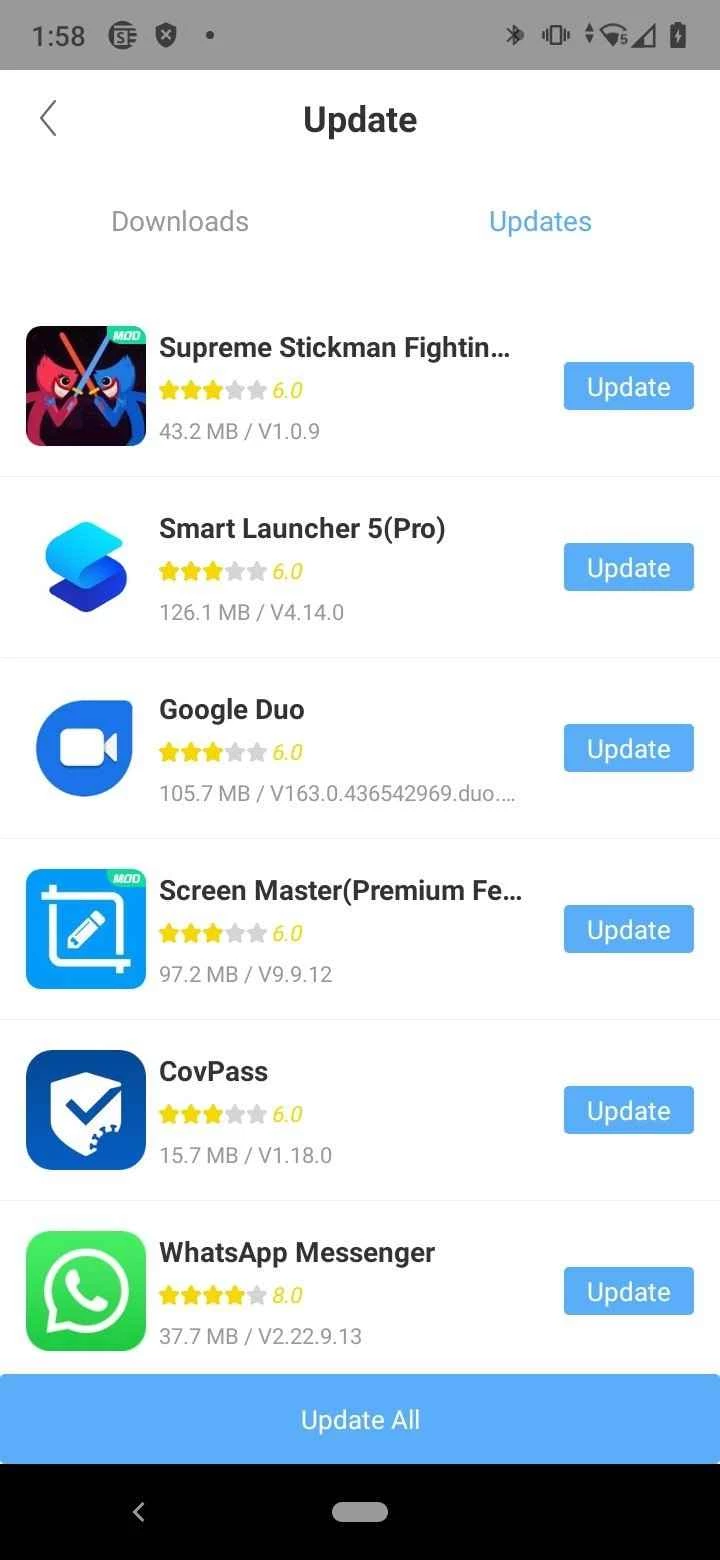
PlayMods 2.6.21 is an unofficial Android app store that offers modified versions of apps and games. Many people search for a PlayMods download to get paid features for free, but the store is not connected to the developers of the original apps, and installing it brings serious risks that you should know about first.
| Parameter | Value |
|---|---|
| Version | 2.6.21 |
| Publisher | PlayMods |
| Platform | Android |
| Type | Unofficial store of modified apps |
| Licence | Freeware |
| Size | about 36.09 MB according to catalogue data |
| Official alternative | Google Play |
An ordinary app store distributes apps as their developers published them. PlayMods works differently: the apps and games there are changed by unknown third parties to unlock paid content, remove ads or alter game mechanics. PlayMods is not the developer of these apps, and the original developers do not approve the changes. This is the main difference from Google Play, where apps come from the accounts of their publishers and are checked by Google Play Protect. Because modified apps are built from someone else's code, they also do not receive the regular updates and security fixes of the original, and the store can disappear or change its catalogue at any time.
Do not install unofficial stores on the phone you use for banking, work or personal chats. If you need to look at such an app, for example for research, use a separate device or an isolated virtual environment such as the Android Studio emulator, and do not sign in there with your main Google account. We do not provide links to download PlayMods or the modified apps.
Install apps from Google Play or another official store. Many games have free versions with ads, and many apps offer trial periods or discounts, so you can try paid features legally. Supporting developers also keeps the apps you like updated.
Uninstall PlayMods and the modified apps, run a scan with Google Play Protect, and change the passwords of accounts you used inside those apps.
Official and established stores in our listings include Google Play Store, Huawei AppGallery and GetApps.
Google Play Store is Google's digital distribution platform for Android, used to find, install and update apps, games and books.

APKPure is a third-party app marketplace for Android that installs apps from APK files outside Google Play. This page covers version 3.20.7803.

Aptoide is an open-source alternative app store for Android, running since 2009. This page covers version 9.22.5.3.
QuickShortcutMaker is a small Android tool for creating home screen shortcuts to specific screens of installed apps, including hidden settings.